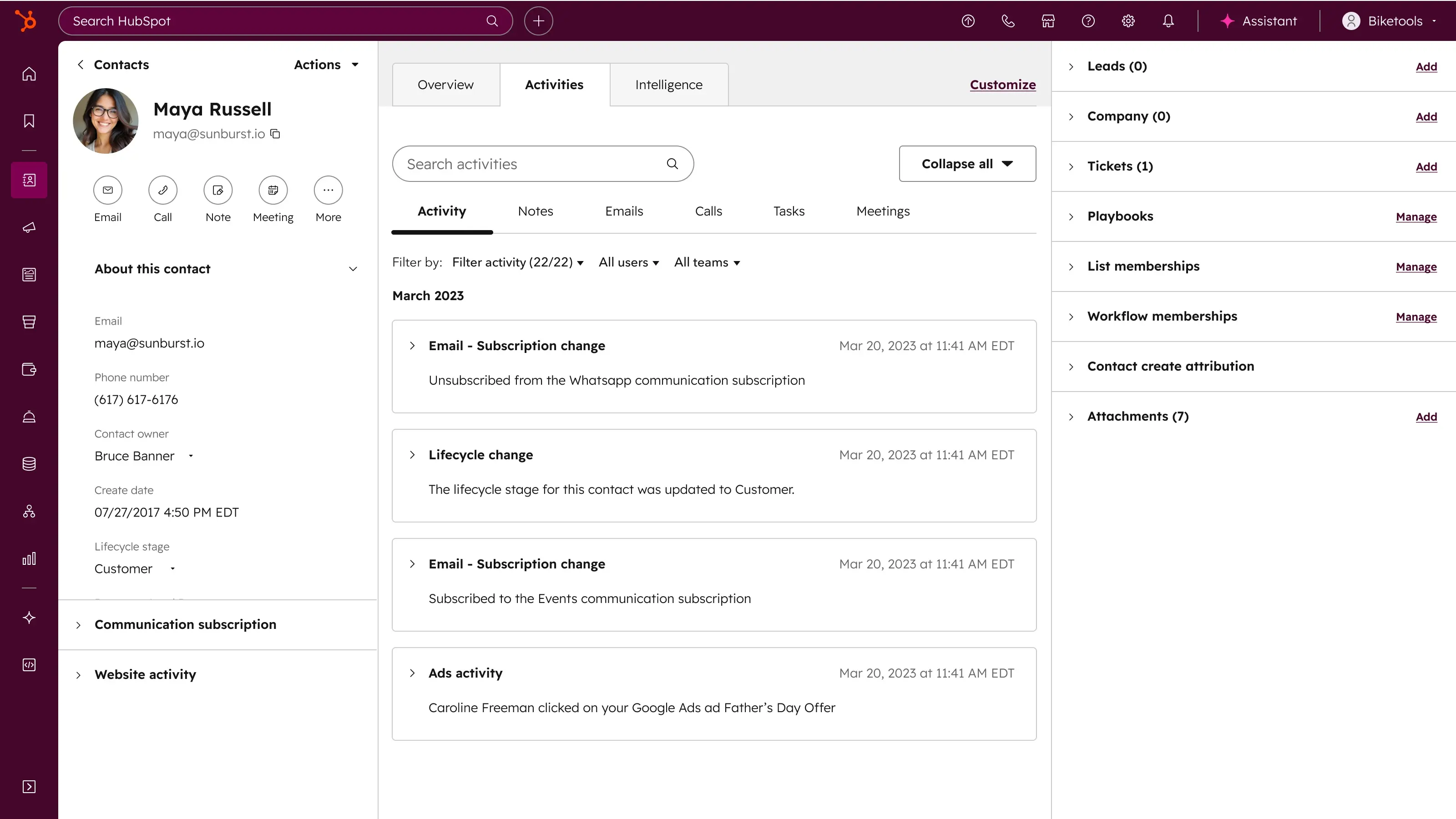
Not every CRM system is right for every company. Instead of a feature-comparison table, we’ll show you the dimensions where HubSpot differs from Salesforce, Pipedrive, Zoho, Dynamics 365, and local Czech CRMs, and when another platform makes more sense.
HubSpot Partner since 2018
Anyone looking for a new CRM mostly finds two things: endless feature-comparison tables, and “best CRM of the year” rankings that ignore company size or industry. Neither tells you what actually matters.
Dozens of rows of features, most of which any given company will use only a fraction of. Deciding by counting checked boxes leads to a CRM that does a lot, but nothing particularly well for your specific operation.
“Best CRM of the year” compares a hundred-person startup with a multinational enterprise in the same article. What’s best for one can be needlessly complex, or simply inadequate, for the other.
Comparing only per-user, per-month pricing ignores what implementation, administration, and hidden integration costs actually run. A cheaper CRM on paper can end up costing more in practice.
A lot of the comparisons out there come straight from one of the CRMs being compared. They inevitably favor the author, even when they try to sound neutral.
The question “which CRM is best” doesn’t have an answer. The question “which CRM makes sense for your team, industry, and growth stage” does. This page takes the second approach.
A company spends weeks comparing CRMs using a feature table, where one tool wins on the number of checked boxes. Nobody asks whether the team actually needs that depth of customization, or whether they’ll end up paying for it in an implementation they don’t have the capacity for.
Six months later, they realize three-quarters of the features that drove the decision are things nobody on the team actually uses.
A feature matrix won’t help with that decision. The dimensions where CRMs actually differ will.
HubSpot uses this same approach, dimensions instead of a feature matrix, on its own comparison pages. We go a step further: instead of “why HubSpot wins,” we’ll tell you honestly, for each competing category, when it makes sense to pick the other option. If you’re more focused on what to clarify before buying HubSpot at all, see the pre-purchase page.
A feature table tells you what a tool can do. Dimensions tell you whether it fits your team, industry, and growth stage.
Price per user, per month is only part of the equation. What implementation and administration cost, and how the licensing model scales with team size, matter just as much.
One platform for marketing, sales, and service, versus a combination of specialized tools connected by integrations. Both have their place, the question is what your team actually needs.
The depth of local-language interface, support, and market knowledge varies a lot between platforms. For a company without a dedicated IT team, that can be the deciding factor.
The breadth and depth of the partner network determines how easily you’ll find help with implementation and long-term administration, locally or internationally.
What’s enough today may not be enough in two years. Some platforms scale smoothly, others force a painful move to a different tier, or an entirely different system.
How deeply AI is built into everyday data work varies between platforms and is evolving fast. Check the current state directly with the platform, not against an older comparison.
Salesforce remains the dominant enterprise CRM. The key difference: HubSpot is an all-in-one platform built for usability, Salesforce is a modular ecosystem built for deep customization.
For companies that want sales, marketing, and service on one platform without a large development team, HubSpot tends to be the faster route to a productive setup.
Regulated industries with strict compliance requirements, complex record visibility across departments, or existing investment in other Salesforce products usually tip the decision toward Salesforce.
Pipedrive and HubSpot are the two most commonly considered competitors in the SMB segment, but they optimize for different kinds of teams. Pipedrive wins on simplicity and a clear pipeline view.
Once you want to connect your sales pipeline with marketing automation or customer support on one platform, HubSpot offers a more natural growth path.
If a clear pipeline view for the sales team is the absolute priority and the company doesn’t want to pay for marketing features it won’t use, Pipedrive tends to be the more straightforward choice.
Zoho and Freshworks target the cost-conscious segment, prioritizing budget and breadth of connected tools, billing, help desk, analytics, over depth in any single feature.
Companies for whom user-experience quality, reporting depth, and marketing-automation reliability matter usually prefer HubSpot even at a higher cost.
If a company needs a broad set of connected tools at a low price, and is willing to accept a simpler UX and reporting in exchange for the savings, Zoho or Freshworks make sense.
Dynamics 365 targets broad operational transformation, CRM and ERP in one, while HubSpot is designed for simplicity and fast adoption. The two platforms’ philosophies differ fundamentally.
Rollout with HubSpot is usually a matter of weeks. With more complex enterprise systems like Dynamics 365, it’s typically months, with a corresponding demand on internal IT capacity.
If a company already runs on Microsoft 365, Azure, and Power Platform and wants to combine CRM with ERP on one platform, Dynamics 365’s native connection to that ecosystem makes sense.
Raynet and eWay-CRM are the best-known Czech CRM players, both long established in the domestic market. Smaller local tools like FLOWii also exist, aimed more at small businesses and sole traders.
Once a company expands beyond the Czech market, or needs more sophisticated automation and reporting, HubSpot offers broader functional and international reach.
If budget is the main barrier and the company needs strong local-language support without a language barrier, a local Czech CRM like Raynet or eWay-CRM fits well for simple sales processes without a need for advanced scalability.
Salesforce remains the dominant enterprise CRM. The key difference: HubSpot is an all-in-one platform built for usability, Salesforce is a modular ecosystem built for deep customization.
For companies that want sales, marketing, and service on one platform without a large development team, HubSpot tends to be the faster route to a productive setup.
Regulated industries with strict compliance requirements, complex record visibility across departments, or existing investment in other Salesforce products usually tip the decision toward Salesforce.
Pipedrive and HubSpot are the two most commonly considered competitors in the SMB segment, but they optimize for different kinds of teams. Pipedrive wins on simplicity and a clear pipeline view.
Once you want to connect your sales pipeline with marketing automation or customer support on one platform, HubSpot offers a more natural growth path.
If a clear pipeline view for the sales team is the absolute priority and the company doesn’t want to pay for marketing features it won’t use, Pipedrive tends to be the more straightforward choice.
Zoho and Freshworks target the cost-conscious segment, prioritizing budget and breadth of connected tools, billing, help desk, analytics, over depth in any single feature.
Companies for whom user-experience quality, reporting depth, and marketing-automation reliability matter usually prefer HubSpot even at a higher cost.
If a company needs a broad set of connected tools at a low price, and is willing to accept a simpler UX and reporting in exchange for the savings, Zoho or Freshworks make sense.
Dynamics 365 targets broad operational transformation, CRM and ERP in one, while HubSpot is designed for simplicity and fast adoption. The two platforms’ philosophies differ fundamentally.
Rollout with HubSpot is usually a matter of weeks. With more complex enterprise systems like Dynamics 365, it’s typically months, with a corresponding demand on internal IT capacity.
If a company already runs on Microsoft 365, Azure, and Power Platform and wants to combine CRM with ERP on one platform, Dynamics 365’s native connection to that ecosystem makes sense.
Raynet and eWay-CRM are the best-known Czech CRM players, both long established in the domestic market. Smaller local tools like FLOWii also exist, aimed more at small businesses and sole traders.
Once a company expands beyond the Czech market, or needs more sophisticated automation and reporting, HubSpot offers broader functional and international reach.
If budget is the main barrier and the company needs strong local-language support without a language barrier, a local Czech CRM like Raynet or eWay-CRM fits well for simple sales processes without a need for advanced scalability.
you want marketing, sales, and service on one connected platform (sooner or later)
you’re growing and need a system that scales without a painful move to another platform
you value a rollout measured in weeks, not months
you need a broad partner network for implementation and long-term support
you’re a large enterprise organization with a need for deep customization in a regulated industry, Salesforce tends to be the stronger choice there
you’re a pure sales team with no need for marketing functionality, Pipedrive tends to be more straightforward there
you’re a small company on a limited budget looking to replace your whole SaaS stack, Zoho or Freshworks make sense there
Does your team need marketing, sales, and service connected on one platform, or is a pure sales tool enough?
Do you have the internal IT capacity for a months-long enterprise implementation, or do you want to be productive within weeks?
Is budget the deciding factor for you, or is it feature depth and user-experience quality?
Are you already invested in a specific ecosystem, Microsoft or Salesforce, for example, that the new CRM needs to connect to?
It depends on team size and the tier chosen on both platforms. For smaller and mid-sized teams, HubSpot tends to come out cheaper at a comparable feature scope; for large enterprise deployments with deep customization, the gap can shift. The best way to compare your specific scenario is in a consultation.
Yes, that’s a common scenario. Before adding HubSpot alongside an existing system, it’s worth clarifying where the source of truth should flow for your key data. That’s covered in detail on the before buying HubSpot page.
No, the user interface isn’t available in Czech.
Rollout with HubSpot is usually a matter of weeks. With more complex enterprise systems like Dynamics 365, which combine CRM and ERP, it’s typically months, with a corresponding demand on internal IT capacity and implementation budget.
Yes. If you decide to move from another platform, whether Salesforce, Pipedrive, or a local CRM, that’s a HubSpot migration: a managed data transfer without losing your history.
Take a free look at what HubSpot looks like on the inside, or go straight to discussing how it compares to your current situation. We’ll tell you honestly, even if another platform wins.